So every so often when I’m listening to videos on a playlist I’ll not hear another video start and I’ll click over and it will have the “press the player to initiate video” which goes away then the video jumps to where it would’ve been as if it was still going. Am I doing something wrong or is this a new thing?
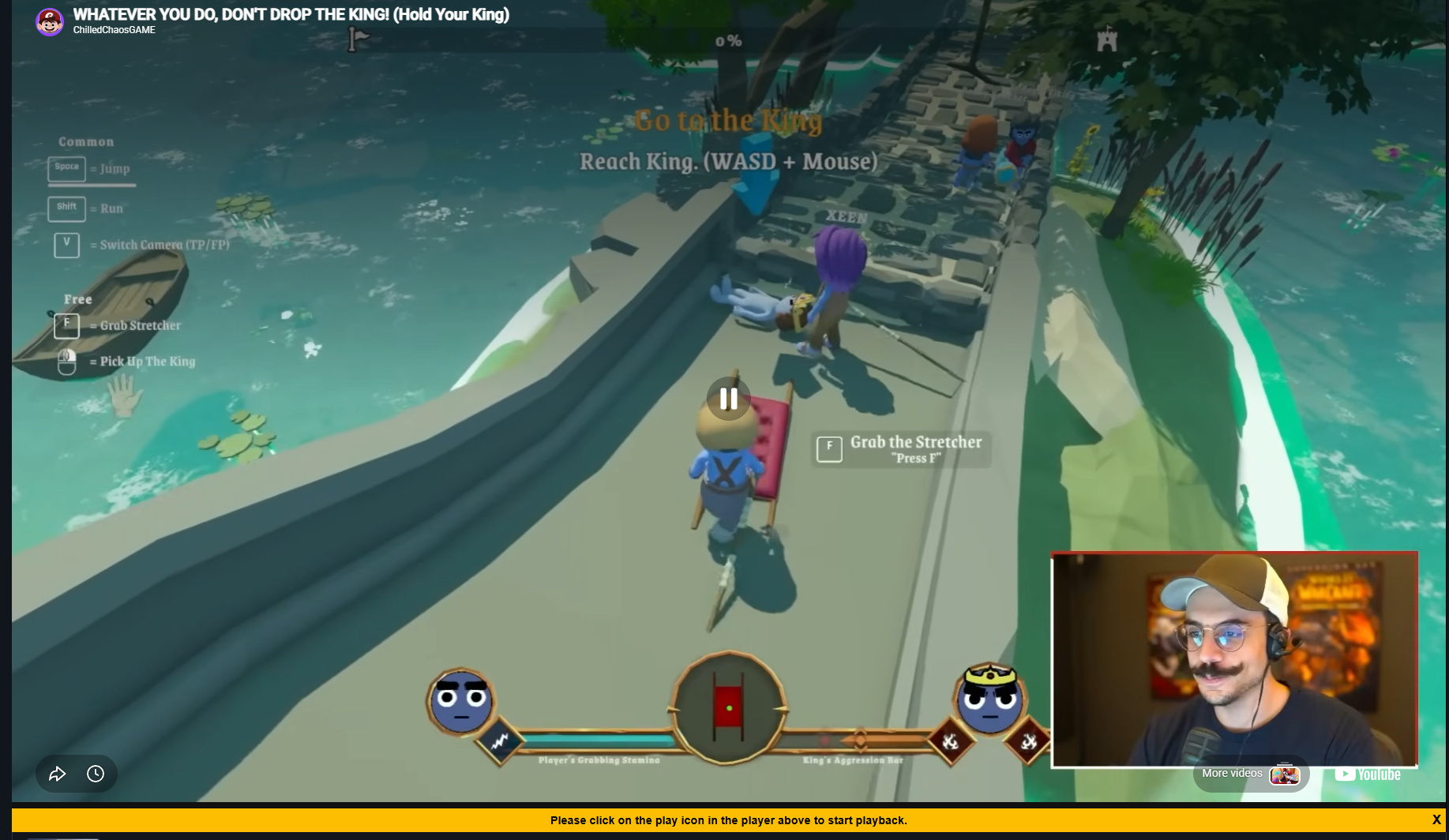
This is what I see
Further info if this helps! This has been a problem on Mobile w2g for a long time too but I thought that was just my connection on wifi being odd
Thanks for your bug rerport! Which browser are you using? It could be that your browser has some restistrictions on playback in a background tab. It might help to run Watch2Gether in a seperate window instead of a tab.
Brave browser and it does not have any restrictions, this has never been a problem until the past dayish. And I have tried in a second window, I have tried making sure it stays through my memory saver, I have everything seemingly right for it to auto play and like it does play in the background. It just doesn’t want to swap videos naturally if I’m in another tab
I’ve tested in Firefox and it works fine in that. So I’m unsure what’s going on as Brave hasn’t updated in the past few days so nothing should be different?
Can you check if it works again?
YOU FIXED IT! YOU MAD LAD! I LOVE YOU! It seems to be working fine? I’ll test it out for the day and get back to you?
Also do you think your fix worked for mobile as well?
Edit: Tested in Mobile Brave and it is seemingly fixed! Will keep an eye on it! Thank you again you’re the best
Thanks for the update! I actually reverted a change that was supposed to improve things, but which actually made them worse. I hope everything is back to normal now — please let me know if you notice anything else. Your feedback is always greatly appreciated.
Been trying it all day long on mobile and desktop, all has been working great so far! Seems that fixed everything up!
1 Like