# Force full screen via link?
**URL:** https://community.w2g.tv/t/force-full-screen-via-link/189223
**Category:** Help
**Created:** [April 9, 2024, 2:52pm UTC](https://community.w2g.tv/t/force-full-screen-via-link/189223 "2024-04-09T14:52:38Z")
**Posts on this page:** 6
**Page:** 1
### Author:  [@user\_dfde4f69ce22b4f](https://community.w2g.tv/u/user_dfde4f69ce22b4f)
#### Post date: [April 9, 2024, 2:52pm UTC](https://community.w2g.tv/t/force-full-screen-via-link/189223/1 "2024-04-09T14:52:38Z")
Hi. Is there any way to force fullscreen via the link?
Something like:` https://w2g.tv/?r=testcode&fullscreen=1`
Also is there any way to disable this when joining the room? [https://i.imgur.com/XilAop1.png](https://i.imgur.com/XilAop1.png)
And is it possible to go to the next video from the playlist via the API?
---
### Author:  [@user\_95f53b7185f71fb](https://community.w2g.tv/u/user_95f53b7185f71fb)
#### Post date: [April 9, 2024, 5:15pm UTC](https://community.w2g.tv/t/force-full-screen-via-link/189223/2 "2024-04-09T17:15:35Z")
Thanks for getting in touch. There is no such option. Fullscreen requires a user interaction (click) to be activated. What would be your use case for this?
---
### Author:  [@user\_dfde4f69ce22b4f](https://community.w2g.tv/u/user_dfde4f69ce22b4f)
#### Post date: [April 9, 2024, 5:55pm UTC](https://community.w2g.tv/t/force-full-screen-via-link/189223/3 "2024-04-09T17:55:41Z")
I am trying to create a system where the users doesnt have to interact with the browser. I am trying to manipulate the room only by using server, but I would need to enable full screen (since in my app the user cant interact with the browser).
Is there maybe like a function we can call in the window console to activate the fullscreen mode?
---
### Author:  [@user\_95f53b7185f71fb](https://community.w2g.tv/u/user_95f53b7185f71fb)
#### Post date: [April 9, 2024, 6:12pm UTC](https://community.w2g.tv/t/force-full-screen-via-link/189223/4 "2024-04-09T18:12:48Z")
This is an ugly hack but it should work in console.
`document.querySelector(".w2g-player").requestFullscreen()`
Why not use the embed version of the site?
---
### Author:  [@user\_dfde4f69ce22b4f](https://community.w2g.tv/u/user_dfde4f69ce22b4f)
#### Post date: [April 9, 2024, 6:24pm UTC](https://community.w2g.tv/t/force-full-screen-via-link/189223/5 "2024-04-09T18:24:56Z")
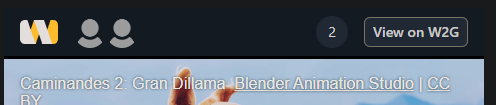
The embed version has this at the top of the page:
---
### Author:  [@user\_dfde4f69ce22b4f](https://community.w2g.tv/u/user_dfde4f69ce22b4f)
#### Post date: [April 9, 2024, 6:26pm UTC](https://community.w2g.tv/t/force-full-screen-via-link/189223/6 "2024-04-09T18:26:28Z")
> [@user\_95f53b7185f71fb](#):
>
> document.querySelector(“.w2g-player”).requestFullscreen()
Also, when using `document.querySelector(".w2g-player").requestFullscreen()` it almost works, but the youtube iframe is still not fullscreen. so it looks like this:
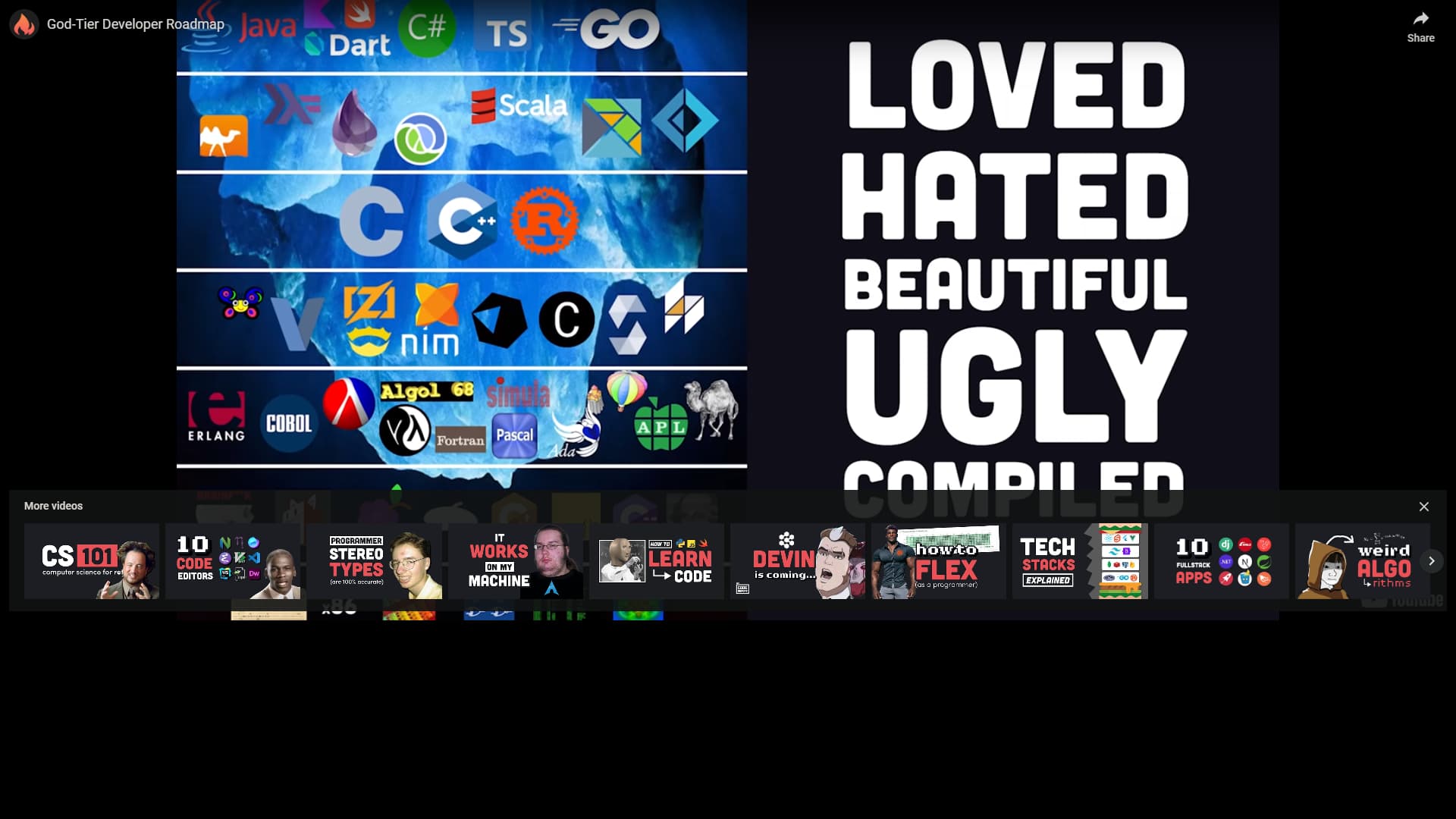
EDIT: Using this makes the video fullscreen: document.querySelector(“video”).requestFullscreen()
But is there anyway to somehow emulate things like changing volume also by console? When only selecting the input and modifying its value, the actual input changes, but the audio volume doesnt.